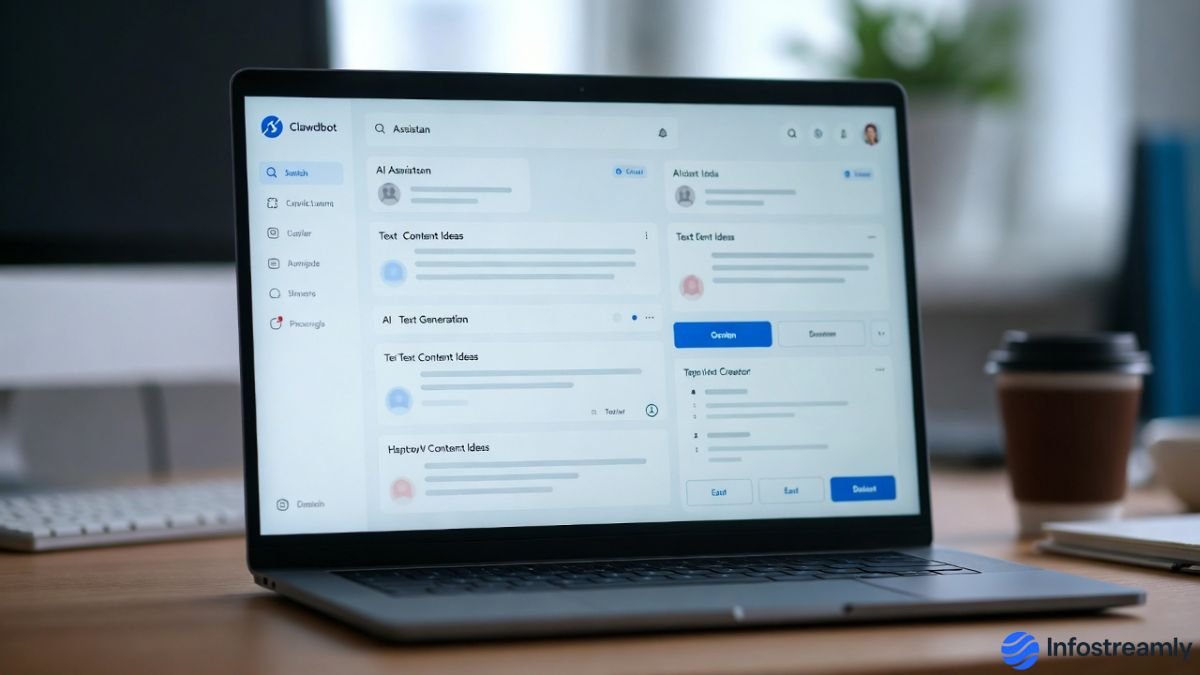

Edit NotebookLM Slides sounds like a simple task, but honestly, once you try it, things feel a little off — not broken, just… unfinished.
Introduction
NotebookLM is smart. No doubt about that. It reads your sources, understands context, and even helps you think better. Some people think it’s the future of research and note-taking. And in many ways, yes, it is.
But when slides enter the picture, expectations change.
We are all used to tools where slides mean control. Drag, resize, rewrite, polish. Here, the experience feels different. Not wrong. Just unfamiliar. To be honest, it feels like Google is saying, “Use this our way, not yours.”
And that’s where the confusion starts.
To understand how NotebookLM is designed to work with sources and generated content, it helps to read Google’s official explanation of NotebookLM and its intended research-first approach.
Edit NotebookLM Slides — What Users Expect vs Reality
Most users come with a simple assumption.
“If slides are generated, editing should be easy.”
That expectation is fair. We’ve used Google Slides, PowerPoint, Canva, and everything in between. So naturally, when NotebookLM creates slides, people expect the same freedom.
But the real truth is… NotebookLM isn’t a slide editor first. It’s a thinking assistant.
You can change the content. You can tweak things. But the workflow feels indirect. Almost like you’re adjusting ideas instead of objects. Text updates behave differently. Layout control is limited. Visual fine-tuning feels restricted.
Some users describe it as “editing through suggestions instead of direct action.” That’s actually a good way to explain it.
How Editing Actually Works (In Simple Terms)
Let’s keep this simple.
NotebookLM generates slides based on your sources and prompts. When you want changes, you’re not really editing slides the traditional way. You’re influencing the underlying content.
You adjust prompts.
You refine explanations.
You regenerate parts.
It’s more like guiding an assistant than fixing a design.
Honestly, if you’re expecting pixel-level control, you’ll feel frustrated. But if you treat slides as an output of thinking, not design, it starts making sense.
Still, that learning curve feels weird at first.
Why the Experience Feels Awkward (But Intentional)
This awkwardness isn’t accidental.
Google designed NotebookLM to protect clarity. It wants slides to reflect understanding, not decoration. The system prioritizes accuracy, source alignment, and logic flow over visual creativity.
Some people think this limits creativity.
But the real truth is… it limits chaos.
Too much freedom often breaks structure. NotebookLM is trying to avoid that. Whether that’s good or bad depends on your use case.
When Editing Slides Makes Sense Here
NotebookLM slides work best when:
- You’re summarizing research
- You’re preparing internal explanations
- You want logic > design
- You care about accuracy more than aesthetics
If you want polished decks for clients or presentations, you’ll probably export and finish elsewhere. That’s what most users are doing right now.
You’ll notice that many students prefer tools that help them understand and organize information better, which is why we also listed NotebookLM in our guide to top free AI tools for students in 2025 that actually improve study workflows.
Key Points (Quick Reality Check)
- Slides are content-driven, not design-driven
- Editing feels indirect, not broken
- Control is limited by intention
- Best for thinking, not showcasing
- Exporting is part of the workflow
Short version? Adjust your mindset, and frustration reduces.
The Real User Friction Nobody Talks About
Here’s the honest part.
People don’t hate the feature. They hate the expectation mismatch.
They come expecting Google Slides.
They get Google Thinking Slides.
That gap confuses.
Once you accept that, things feel calmer. You stop fighting the tool and start using it for what it is intended to do.
Conclusion
If you go in with the right mindset, Edit NotebookLM Slides becomes less annoying and more understandable. It’s not there to replace presentation tools. It’s there to support thinking.
Use it early in your workflow. Not at the end.
This design approach is also visible in many modern AI-powered design platforms, which we explored in our roundup of new UX UI AI design tools to try in 2026 that focus more on clarity than unlimited control.
Many UX researchers also point out that AI tools often limit editing on purpose to preserve clarity and accuracy, as explained in this widely referenced human-centered AI design research article.
Final Verdict
Edit NotebookLM slides is technically possible, practically limited, and conceptually different. It’s not weird because it’s bad. It’s weird because it’s new.
And honestly, new things always feel strange at first.
Key Takeaways
- NotebookLM is idea-first, not design-first
- Slide editing follows logic, not layout
- Expect guidance, not control
- Best used as a draft generator
- Finish slides elsewhere if needed
FAQs
Is it really possible to Edit NotebookLM Slides properly?
Yes, but not in the traditional sense. You guide content more than you edit visuals directly.
Why doesn’t it feel like Google Slides?
Because it’s not meant to be one. The focus is understanding, not presentation polish.
Should professionals use this for client decks?
Use it for structure and clarity first, then export and polish in another tool.

Chandra Mohan Ikkurthi is a tech enthusiast, digital media creator, and founder of InfoStreamly — a platform that simplifies complex topics in technology, business, AI, and innovation. With a passion for sharing knowledge in clear and simple words, he helps readers stay updated with the latest trends shaping our digital world.