
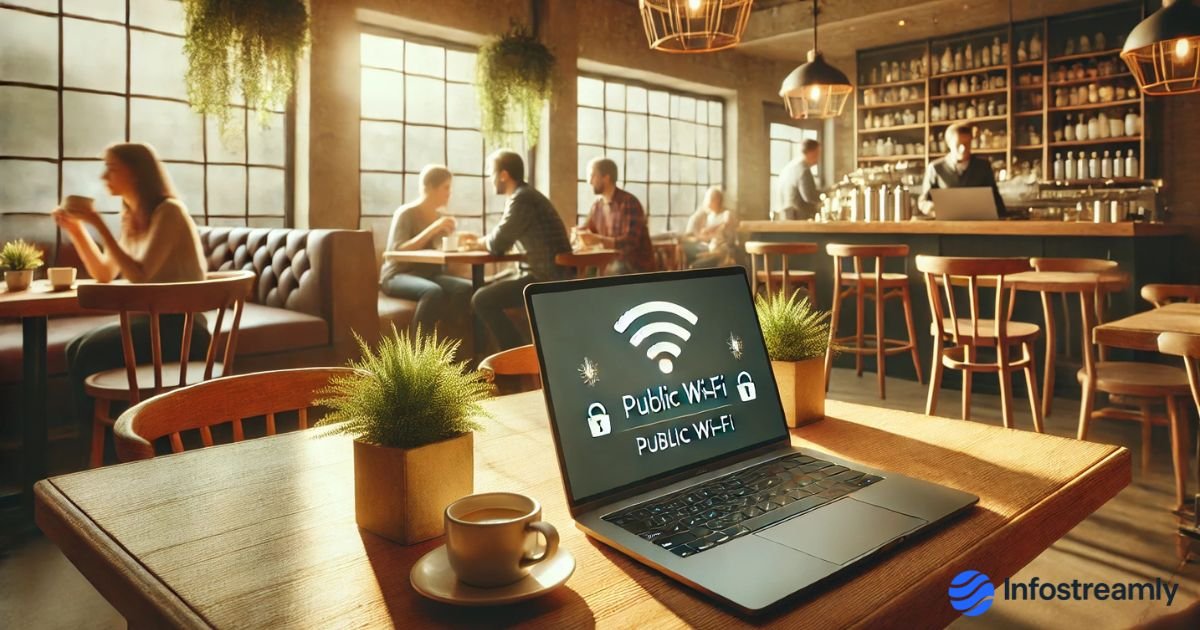
Public Wi-Fi Safety Tips are honestly something I never paid attention to until I had one bad experience a few years back. And I’m not even talking about something dramatic — it was just a weird login alert from an app I barely use. But it felt off. And that’s when it hit me: most of us connect to public Wi-Fi without even thinking for two seconds. Airports, coffee shops, malls, hotels, trains… we all do it. It’s almost like background noise now.
But here’s the part nobody really says out loud: free Wi-Fi isn’t always “free.” Sometimes the cost is your data — your passwords, your browsing history, your personal stuff. Not because you clicked something stupid… just because the connection itself is shared with hundreds (or thousands) of random people. And we have no idea who those people are.
I still remember my friend connecting to a Wi-Fi called “Coffee_WiFi_FREE_5G”. It looked fake just from the name, but he tapped it anyway. That’s basically how most of us behave when our mobile data is slow — we just grab any network we see. And honestly, that’s where trouble starts.
Anyway… let’s get into the things that genuinely help. These Public Wi-Fi Safety Tips are not complicated. They’re just the kind of habits that save you from unnecessary headaches later.
Why Public Wi-Fi Is Actually Riskier in 2025
You might think things got safer with “more awareness,” but no. If anything, attacks became smarter… and quieter.
Fake hotspot names everywhere
Hackers literally name their networks after real places:
• Airport_FreeNet
• HotelGuest_WiFi
• CafeWiFi_5G
They look harmless. Your phone will connect. Boom — they can watch your activity.
Most public networks still have NO encryption
That’s like talking loudly on a bus thinking nobody’s listening.
Devices reconnect automatically
If you used that network once in 2019… your phone may connect again in 2025 without asking.
Session hijacking is too easy now
If Gmail or Instagram is open in the background, someone can “copy” your session. No password needed.
Some Wi-Fi networks inject small malware files
You won’t notice it immediately. That’s what makes it dangerous.
This is exactly why Public Wi-Fi Safety Tips are now basically digital common sense rather than “tech advice.”
Top 10 Public Wi-Fi Safety Tips You Should Actually Follow
Use a VPN—even a simple one helps
Look, I used to think VPNs were overhyped too. But once you understand how public Wi-Fi works, you realize a VPN is like closing the bathroom door. It hides what you’re doing. Without it, everything is open.
Just turn it on. That’s it.
Never check banking or UPI apps on public Wi-Fi
I can’t stress this enough.
Don’t open:
- Google Pay
- PhonePe
- Paytm
- NetBanking
- Credit card sites
Even for “one quick check.
Use your hotspot.
Use mobile data.
Anything but public Wi-Fi.
Turn off auto-connect (it’s a silent troublemaker)
Phones love reconnecting to old Wi-Fi networks.
It’s convenient… but risky.
Switch off:
- Auto-Join (iPhone)
- Auto-Connect (Android)
Your phone should NOT pick networks on its own.
Also Read: Cybersecurity Mistakes Most People Make (2025 Updated)
Check that tiny HTTPS lock
That little lock symbol in the address bar?
It’s not just decoration.
If a site doesn’t show HTTPS, avoid entering anything personal.
Switch off Bluetooth, Airdrop & sharing
You’d be surprised how many people leave everything ON all the time.
In public places, that’s practically an open invite.
Turn them off.
Simple.
Use hotspot for anything important
If you’re sending a serious email, opening work files, or logging into ANY account that matters — use your phone’s hotspot instead.
Your mobile network is WAY safer than public Wi-Fi.
Always “Forget This Network” afterward
After you disconnect, don’t let your device remember the network.
Tap:
Forget Network
This one small habit prevents silent reconnections weeks later.
Ensure your firewall is on (especially on laptops)
Most people don’t touch firewall settings at all.
It’s already there — just keep it ON.
It quietly blocks suspicious connections.
Keep two-factor authentication ON everywhere
Even if someone steals your password, they can’t enter your account without the OTP.
That extra step is boring… but effective.
Keep device updates regular
Updates fix vulnerabilities.
If you haven’t updated your phone in months, you’re basically leaving the door open.
Let it update overnight.
It’s worth it.
Conclusion
At this point, it’s clear that following Public Wi-Fi Safety Tips in 2025 isn’t about being paranoid — it’s just being practical. Most of us carry half our lives in our phones: banking apps, private chats, notes, personal photos… and one unsafe Wi-Fi network is enough to expose things you never intended to share.
These tips don’t take effort; they just need awareness.
Final Verdict
Public Wi-Fi is great for saving data but not so great for protecting it.
With a handful of small habits, you can stay safer than most people around you.
Key Takeaways
- VPN ON → safer instantly
- Don’t use UPI or banking over public Wi-Fi
- Auto-connect OFF
- HTTPS lock matters
- Use hotspot for serious logins
- Turn off sharing options
- Updates = protection
If you want more simple, real-world cybersecurity guides like this, check your Online Safety or Tech Tips section for more helpful posts.
FAQs
1. Is public Wi-Fi safe in 2025?
Mostly no — unless you take precautions.
2. Can someone hack my phone through public Wi-Fi?
Yes, if you have sharing, Bluetooth, or older software.
3. Is mobile hotspot safer?
Absolutely. It’s your own network.
4. Should I log out after using public Wi-Fi?
Yes. And forget the network too.
5. Is VPN enough?
VPN helps a LOT, but avoid financial apps on public networks.

Chandra Mohan Ikkurthi is a tech enthusiast, digital media creator, and founder of InfoStreamly — a platform that simplifies complex topics in technology, business, AI, and innovation. With a passion for sharing knowledge in clear and simple words, he helps readers stay updated with the latest trends shaping our digital world.